
Model
Grok Imagine Image 2.0
One model workspace for high-fidelity text-to-image with Grok Image 2.
Start generatingGrok Imagine Image 2.0 online
Grok Imagine Image 2.0 (Grok Image 2) is a next-generation text-to-image model tuned for sharp detail and strict prompt fidelity. Run it in your browser — no local GPU, no setup, just one focused online studio.
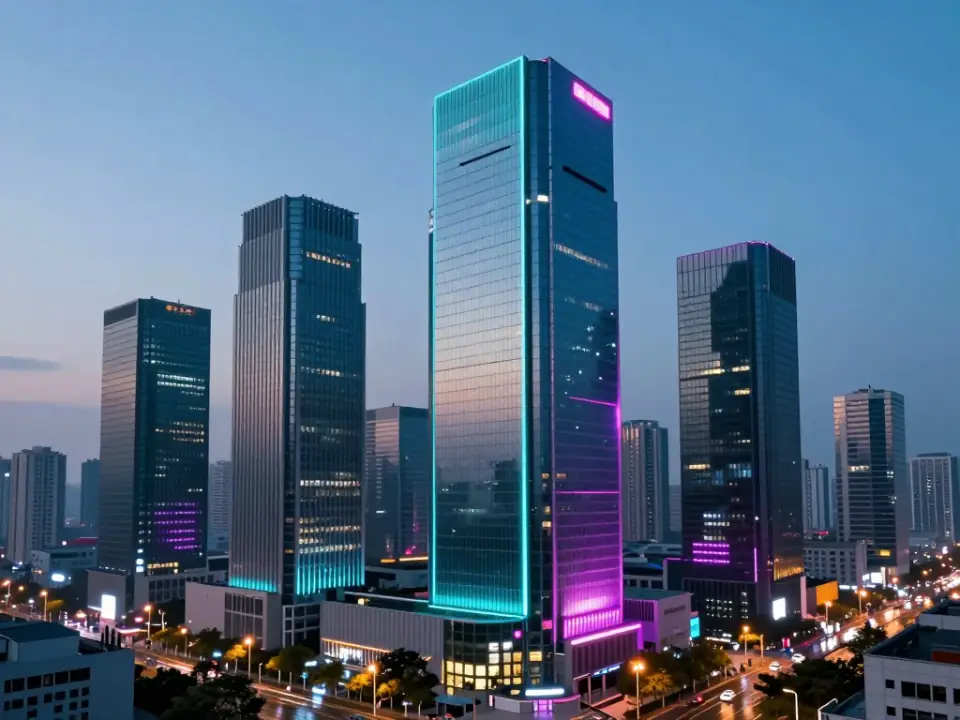
Turn a written prompt into a detailed, high-resolution image with Grok Imagine Image 2.0.
Start creating
Grok Image 2 keeps short headlines and labels readable for posters, packaging, and UI mockups.
Try typography
Refine composition, lighting, and subject detail while Grok Imagine Image 2 stays on brief.
Explore control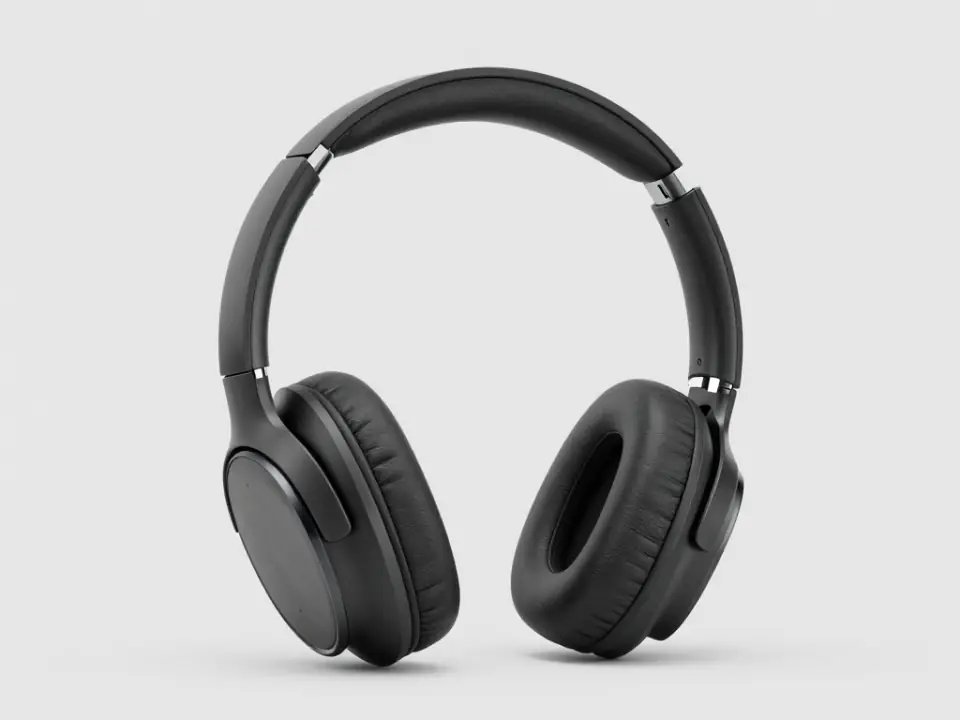
Ship product, fashion, and campaign visuals with credit-based Grok Image 2 pricing.
See pricingCases
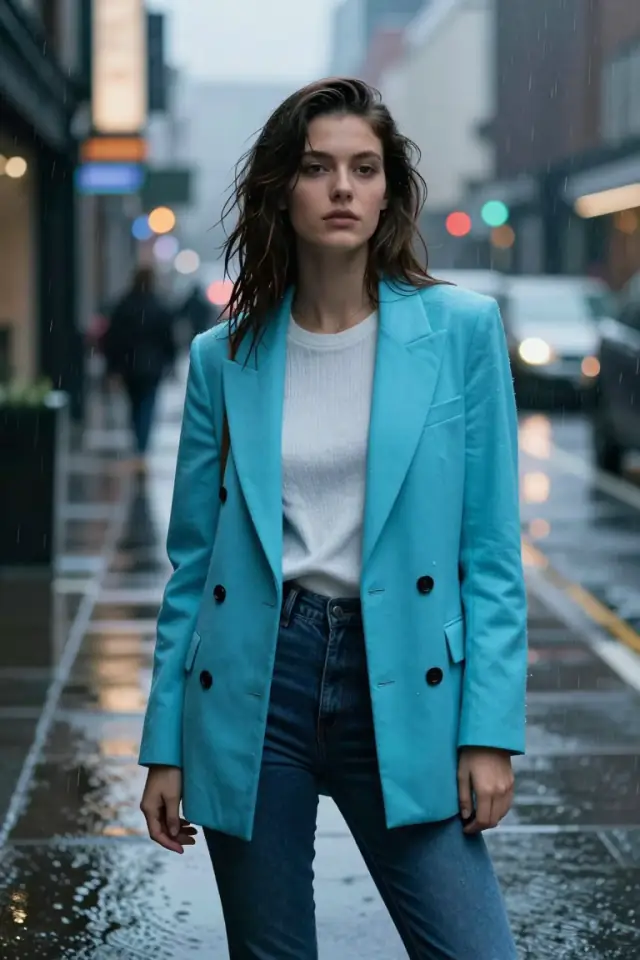
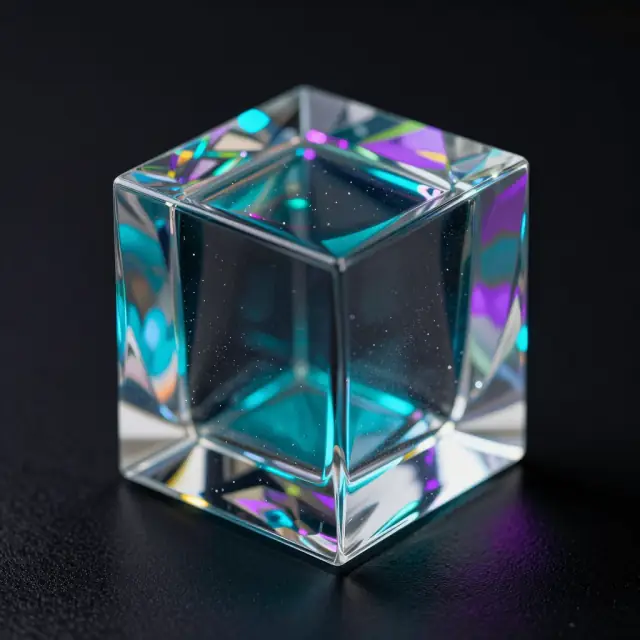
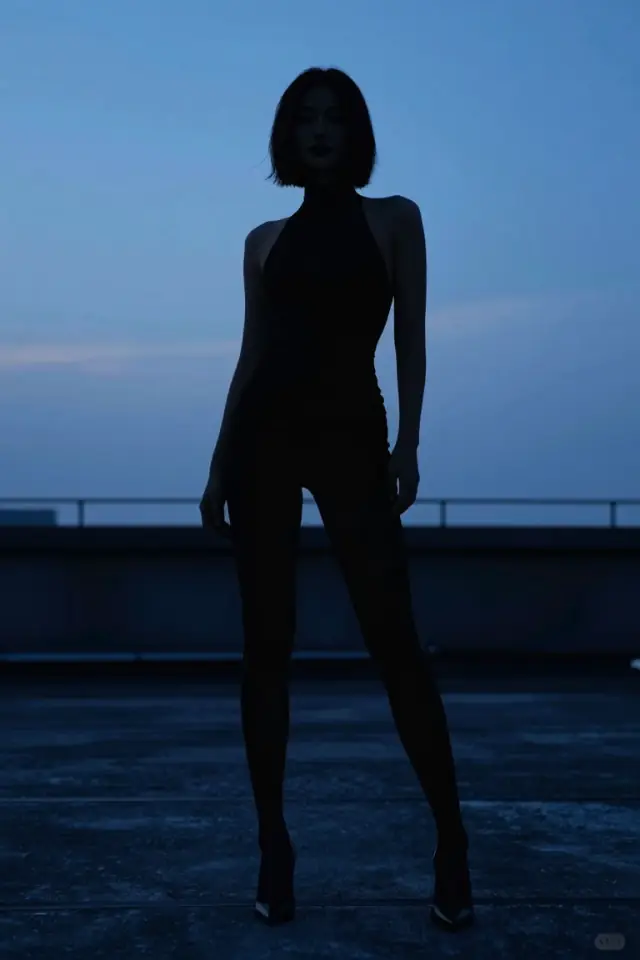
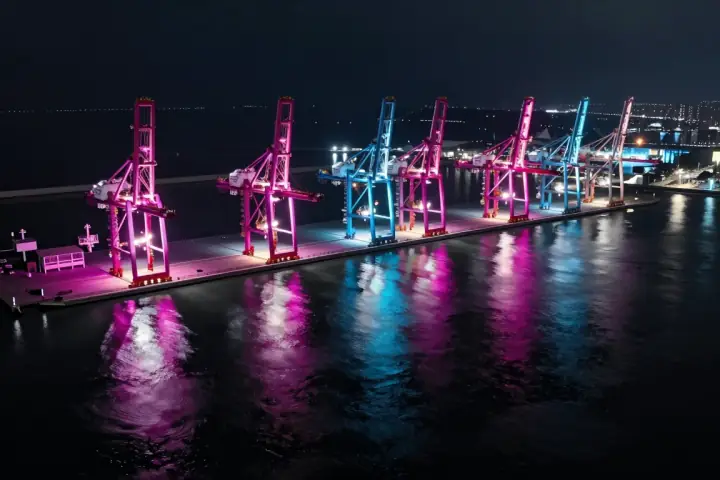
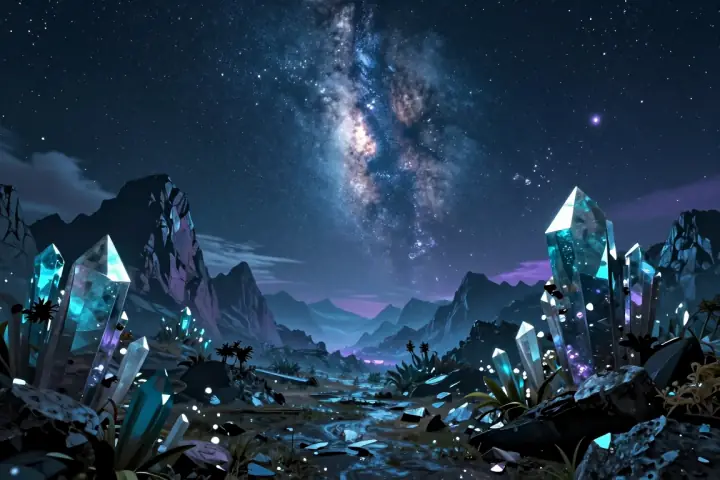
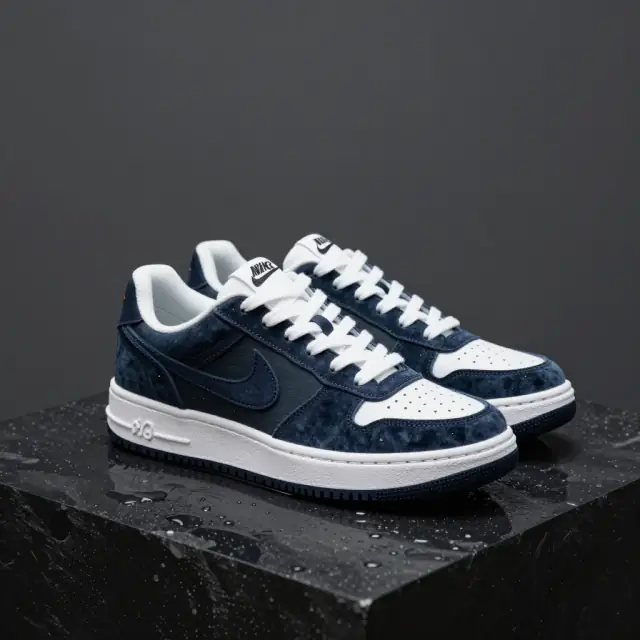
Grok Imagine Image 2.0 generation cases — portraits, products, posters, and scenes.
Built for makers
A focused online studio for Grok Image 2 generation with credit-based pricing and API access.
One model workspace for high-fidelity text-to-image with Grok Image 2.
Start generatingCrisp edges, natural tones, and coherent lighting across ratios.
Try a promptShort headlines and labels stay legible for posters and packaging drafts.
Design a posterSimple credit pricing so you can estimate cost before you generate.
See pricingMeet the model
Grok Imagine Image 2.0 (Grok Image 2) is a next-generation image model focused on precision editing, crisp text rendering, improved factuality, and real-world usefulness. Use it online here without a local GPU.
Iterate compositions, subjects, and details with controlled refinements so outputs stay on brief for production work.
Stronger in-image text for posters, labels, product ads, and UI-style layouts where readable type matters.
Better prompt adherence for subjects, attributes, and scene layout — built for images that need to be useful in the real world.
Why this model
A focused online experience for Grok Image 2, tuned for detailed, prompt-faithful AI image generation.
Crisp edges, natural tones, and coherent lighting at every supported aspect ratio.
Adjust inference steps, guidance scale, negative prompts, and output format without leaving the flow.
Generate square, portrait, and landscape images ready for social, web, and print drafts with Grok Imagine Image 2.0.
Queue a generation, watch live progress, and refine your prompt in seconds.
Create, compare, and download Grok Imagine Image 2.0 results from the same focused workspace.
Pricing
Start small, upgrade when production ramps. Every generation uses Grok Imagine Image 2.0 at 5 credits per image.
$9/ month
Enough credits to explore Grok Imagine Image 2.0 for personal projects.
$29/ month
For creators shipping campaigns, posters, and product visuals weekly.
$99/ month
Higher capacity for teams and high-volume Grok Image 2 production.
Need more detail? Open the full pricing page for monthly, yearly, and pay-as-you-go packs.
Three simple steps
Write a prompt with subject, style, lighting, and mood. Grok Image 2 handles long, structured descriptions well.
Pick an aspect ratio, adjust steps and guidance scale, and add a negative prompt to exclude unwanted details.
Run Grok Imagine Image 2.0, preview results in seconds, and download your favorites.
Need more details? Read the documentation or check pricing and credits before you start.
Use cases
Explore characters, environments, and moods with fast Grok Image 2 iterations.
Create concept artRender short text and typography more reliably for posters, covers, and banners.
Design a posterGenerate clean product scenes, lifestyle shots, and campaign imagery from a single prompt.
Generate visualsCreate scroll-stopping visuals in vertical, square, or widescreen ratios with credit-based pricing.
See pricingCredits
New visitors can start with introductory credits: Gmail sign-ins receive 5 credits, and guest or other email sign-ins receive 2 credits. Grok Imagine Image 2.0 generations usually cost 5 credits per image.
View pricingShare flow
After a successful generation, use the preview or history actions to copy, download or share the result URL. The next iteration should promote selected public result pages without exposing private history.
FAQ
Grok Imagine Image 2.0 (Grok Image 2) is a text-to-image AI model focused on sharper detail, better prompt adherence, and more reliable text rendering. You can use it online at imagineimage2.org without any setup.
Open the generator, type a prompt, choose an aspect ratio, and click Generate. Grok Image 2 runs in the browser, so no GPU or installation is needed.
You can sign in and start generating with introductory credits. After that, flexible credit packs and subscription plans are available on the pricing page.
Grok Imagine Image 2.0 supports common aspect ratios plus adjustable inference steps, guidance scale, negative prompts, and JPEG or PNG output.
Yes. Images you generate can be used in commercial projects, subject to our terms of service and content policy.
Each Grok Imagine Image 2.0 image generation usually costs 5 credits. See the pricing page for monthly, yearly, and pay-as-you-go packs.
Ready to create?
Open Grok Imagine Image 2.0 and generate your first image online.